
VPNs for Beginners: Start Using One Today
A guide for anyone brand new to VPNs, with friendly help for your first time going private online.
Understanding VPNs and Why You Need One
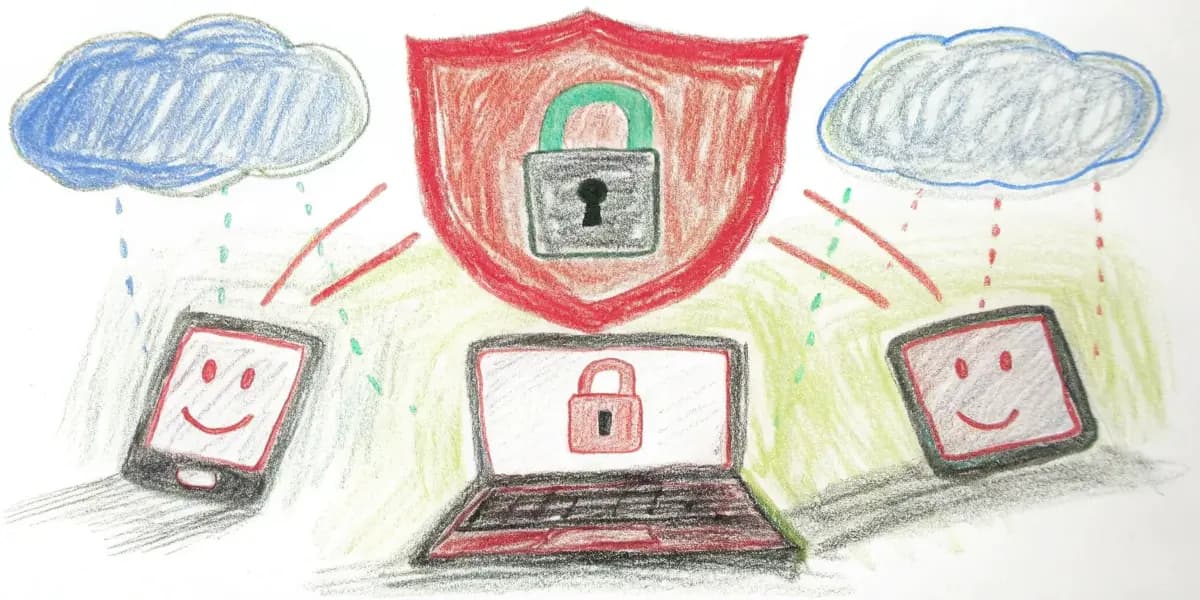
VPN stands for Virtual Private Network. When you use the internet, your data travels through a series of networks to reach its destination. A VPN creates a "tunnel" for your data and encrypts it, so anyone who tries to intercept it can't read it. It's like putting your postcards in a locked box before you mail them.
Privacy is one of the main reasons people use VPNs. A VPN can keep your activity private when you browse, including when you shop online or use public Wi-Fi. That privacy protects sensitive information like passwords and bank details.
How VPNs Work
When you connect to a VPN, you're connecting to another computer (called a server) owned by the VPN provider. The server sits between your device and the internet as a middleman. Your data goes to the VPN server first, which then forwards it on your behalf. This hides your real IP address and makes it look like you're browsing from the location of the VPN server.
Choosing the Right VPN
With so many options available, choosing a VPN can feel overwhelming. These tips will help you pick one:
- Privacy Policies: Look for a VPN with a strong privacy policy that says it doesn't keep logs of your activity.
- Server Locations: If you want to appear to browse from different countries, choose a VPN with servers in multiple locations.
- Ease of Use: A beginner-friendly VPN should have a simple installation process and easy-to-use apps.
- Customer Support: Reliable support helps if you run into problems setting up or using the VPN.
Setting Up Your VPN
Getting started with a VPN is usually straightforward:
- Sign up for a VPN provider: Choose a provider and sign up for their service.
- Download the VPN app: Most VPN providers have their own apps for different platforms.
- Install and launch the app: Follow the on-screen instructions to install the app on your device.
- Connect to a server: Open the app, choose a server location, and connect.
Once connected, you can browse the internet freely and safely.
When to Use a VPN
- Public Wi-Fi: Always use a VPN when connected to public Wi-Fi to protect your data from hackers.
- Foreign Travel: Access services from your home country that might be restricted abroad.
- Online Privacy: Keep what you do online away from prying eyes.
Common VPN Myths
- VPNs are only for tech-savvy people: Not true. Modern VPNs are designed so anyone can use them.
- VPNs are illegal: Using a VPN is legal in most countries, although illegal activities remain illegal.
- VPNs slow down your internet: A VPN may slow your connection slightly, but many providers offer fast connections.
Conclusion
A VPN is a powerful tool for keeping what you do online private and secure. If you are new to VPNs, the most important step is to find a provider that does what you need. With the tips above, you can choose and set up a VPN with confidence and start browsing safely and privately.