
VPNs for Students: Stay Safe on Campus
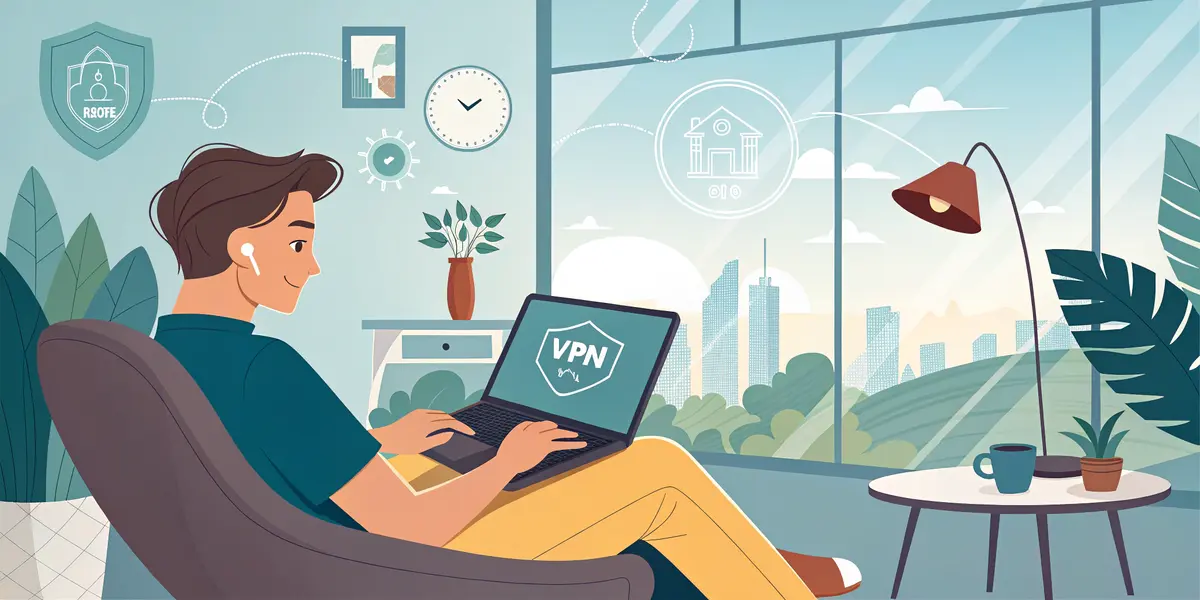
Campus networks and coffee shop hotspots are convenient, but public Wi‑Fi isn’t safe, even at uni. If you send emails, log into your bank or submit assignments on unsecured networks, your data could be up for grabs. The simplest fix is a VPN. It’s an easy tool for students that keeps your browsing private and your information locked down while you study and stream around campus.
What’s a VPN?
Think of a VPN (Virtual Private Network) as a private tunnel for your internet traffic. When it’s on, your connection is encrypted (scrambled) and your IP address (your device’s “location badge”) is hidden from prying eyes. Your traffic rides a private shuttle instead of taking the open, crowded road. People outside can see you’re online. They can’t see where you’re going or what you’re doing.
You don’t need to be a tech whiz to use one. Most VPNs are a simple app. You tap to connect and browse as normal.
Why students should care
- Campus Wi‑Fi is shared. When hundreds or even thousands of devices connect to the same network, it’s easier for bad actors to snoop on traffic.
- You’re mobile. Hopping between libraries, dorms, lecture halls, cafes and buses means trusting lots of different networks. Not all of them are legit.
- You use accounts that matter. Bank logins, cloud drives, learning platforms and job applications deserve more than “hope for the best.”
A VPN helps protect you from eavesdropping on public networks and reduces tracking, so you start from a safer baseline while you study and scroll.
When to turn your VPN on
Short answer: often. Keep it on when you’re connected to:
- Campus Wi‑Fi (dorms, lecture halls, libraries)
- Coffee shops, airports, hotels and co‑working spaces
- Any network with a generic name like “Free Wi‑Fi” or “Campus Guest”
- A friend’s hotspot or any network you use on a trip
Definitely use it before you:
- Check email or log into banking and school portals
- Submit assignments or applications
- Access cloud storage, shared docs or medical portals
- Do research that reveals personal info
On your own router at home, a VPN still adds privacy. You need it most on public or shared networks.
What a VPN won’t do
A VPN has limits:
- It won’t make you invincible. If you enter your password on a fake site, a VPN can’t save you. Phishing still works.
- It won’t bypass all blocks. Some services or campuses restrict VPNs. Follow school policies and app terms.
- It won’t erase your tracks on sites where you’re logged in. If you’re signed into an account, that service knows it’s you.
Think of a VPN as a seatbelt for your internet life. You need one, but it isn’t the only safety feature.
How to choose a student‑friendly VPN
You don’t need the fanciest option, but you do want one that treats your privacy seriously and won’t slow you down. Look for:
- Clear privacy policy and a no‑logs approach spelled out in plain language
- Independent audits or transparent reports about how they handle data
- An automatic “kill switch” that stops traffic if the VPN drops
- Easy apps for your phone, laptop and tablet (you’ll want to cover all devices)
- Fast, reliable performance with nearby server locations
- Good support, a free trial or money‑back guarantee, and student discounts if available
Be careful with “free forever” VPNs. Some are fine, but many pay their bills by collecting data or showing ads. If you go free, read the privacy policy closely. A fair paid plan is usually worth the small monthly cost for real protection.
Setting it up without stress
- Install the app on every device you use on public Wi‑Fi, whether that’s a laptop, phone or tablet.
- Choose a server that’s close to your location for better speed.
- Turn on auto‑connect for unknown networks and enable the kill switch in settings.
- Set it to start on boot so you don’t forget before class.
- Test it once by connecting, browsing and streaming a bit. If something breaks, try a different server.
Pro tip: Many universities offer their own VPN to access library databases or internal tools when you’re off‑campus. That’s different from a personal VPN. The campus VPN is for reaching school resources. Your personal VPN is for privacy. Don’t try to use both at the same time.
Extra safe browsing tips for campus life
A VPN is a big step, but pair it with these simple habits:
- Use a password manager and give every account its own strong password. You remember one master password instead of juggling ten weak ones.
- Turn on multi‑factor authentication (MFA) for email, bank and school accounts. It adds a second lock to each account.
- Double‑check links before you click. If an email says “Reset your password,” go directly to the site instead of using the email link.
- Keep your devices updated. Those little update pop‑ups fix real security holes.
- Make your phone forget networks you don’t use. Don’t auto‑join random hotspots.
- Prefer sites that use HTTPS (most do). It’s another layer of protection between you and the web.
Speed, streaming, and gaming
VPNs can slightly slow your connection because your traffic takes a longer, safer route. Tips to keep things smooth:
- Pick a nearby server for better speed.
- If a site looks broken, switch servers or temporarily pause the VPN on trusted networks for non‑sensitive tasks.
- For gaming, latency matters. Try different local servers to find the fastest connection.
- Some streaming services or school networks might block VPN traffic. Respect their terms and campus policies.
Quick checklist for back‑to‑school
- Install a reputable VPN on all your devices
- Set auto‑connect on public networks and enable the kill switch
- Use MFA and a password manager
- Stay alert for phishing and sketchy links
- Keep your software updated
- Respect campus rules and local laws
You’re going to spend a lot of time on shared networks this semester. A VPN is the easiest way to keep your browsing private and your data safe while you work and study your way through uni. Set it up once and you can stop worrying every time you hop on Wi‑Fi.