
What a VPN Hides (And What It Doesn’t)
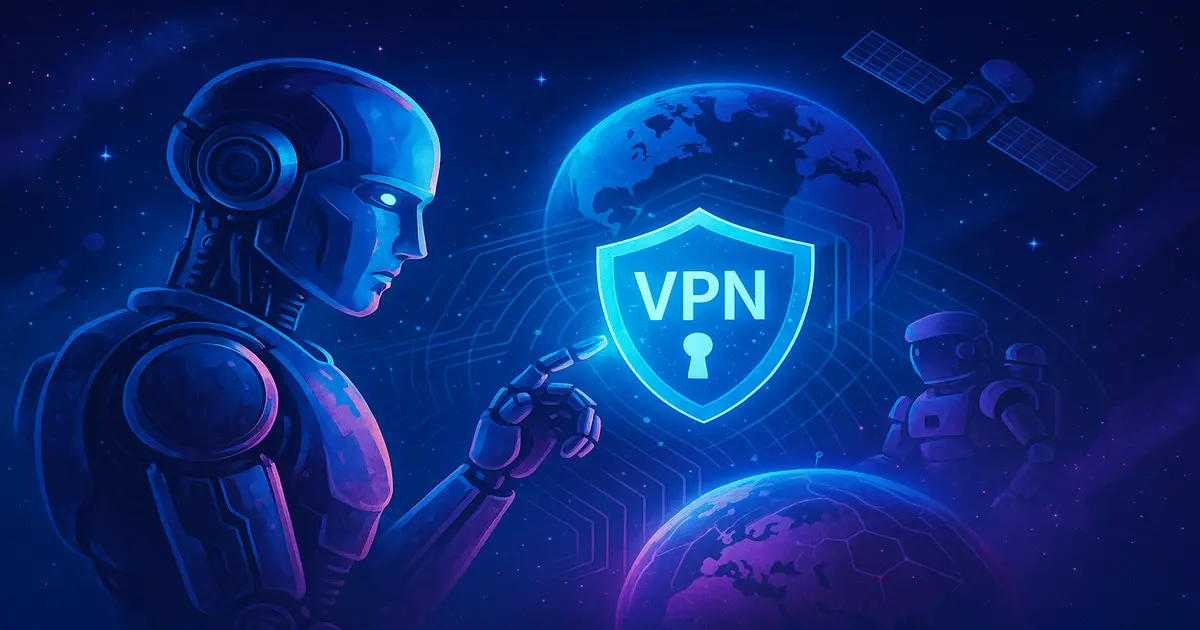
A VPN is sometimes described as a digital invisibility cloak: switch it on and no one can see what you’re doing on the internet.
It doesn't work quite like that.
VPNs (Virtual Private Networks) are powerful tools for online privacy, but people often misunderstand what they protect you from. Before relying on one, it helps to know whether it can stop ads following you around, hide your traffic from your boss or get rid of tracking cookies for good.
Below is what a VPN hides and what it doesn’t.
What Is a VPN?
Think of a VPN as a tunnel between your device and the wider internet.
Your device first connects to a secure server operated by the VPN provider. That server forwards your traffic to the website, masking your original location and encrypting what you're doing.
So your data is encrypted on its way to the VPN server. The IP address that websites see can also make it look as if you're in an entirely different country.
That's useful, but it has limits.
What a VPN Does Hide
1. Your IP Address
Your IP address is the internet’s version of your home address. It reveals your approximate location, such as your city and country. It may even reveal your ISP. A VPN gives you a new IP address tied to the VPN server, so sites see the server's location instead of yours.
Why it matters: Sites and services use your IP to target ads, apply geo-blocks (regional Netflix libraries, for example) and track activity. A VPN helps you avoid that.
2. Your Internet Activity (from your ISP)
Your Internet Service Provider (ISP) can normally see every site you visit. With a VPN on, it sees only that you're connected to the VPN. The contents of your traffic are scrambled, so the ISP can't read what you browse or stream.
Why it matters: In many countries, ISPs can legally log this data and may even sell it to advertisers.
3. Your Data on Public Wi-Fi
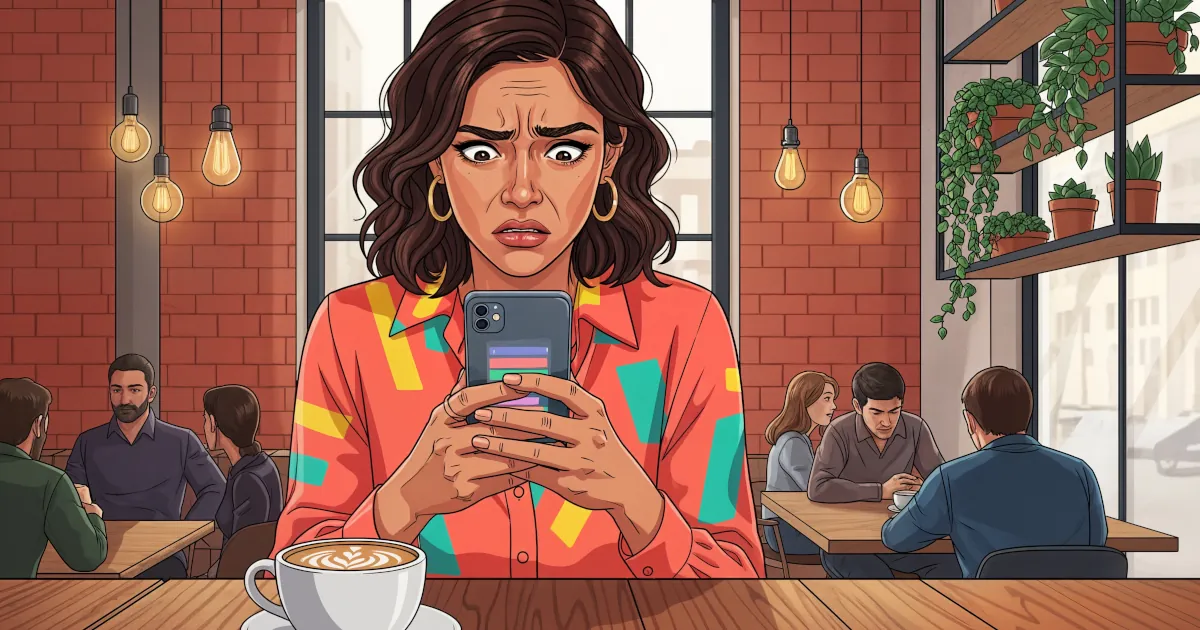
Public Wi-Fi in places like coffee shops and airports is notorious for security holes. A VPN encrypts your traffic, which stops nosy hackers from intercepting things like passwords or personal emails.
Why it matters: Without a VPN, someone on the same Wi-Fi network could potentially snoop on your traffic without any special hacking skill.
4. Your Activity From Government Surveillance (to a degree)
A VPN can make it harder for mass surveillance programs to monitor your browsing habits, especially in countries with heavy-handed internet controls. Encryption and IP masking both help to shield you.
Caveat: There may be limits if a government is determined to watch you and has legal tools to go after your VPN provider.
What a VPN Does Not Hide
A VPN does plenty of helpful things, but there's still a lot it doesn’t hide.
1. You (If You Log Into Accounts)
As soon as you log into a service with your real account (Gmail, Facebook or any subscriber service), your activity is tied to you.
Example: You connect to a VPN in Switzerland, then log into YouTube. Google still knows it's you. It just sees you in Switzerland. The VPN didn’t make you anonymous.
Helpful tip: If you want anonymity, create fresh accounts with burner emails and avoid signing in to personal platforms. That’s more effort than most people put into everyday privacy.
2. Tracking Cookies and Browser Fingerprinting
Websites set plenty of cookies, small data packages that keep track of who you are and what you do.
Even with a VPN, these cookies can remember you.
Sites also use browser fingerprinting, which identifies your device from its unique combination of fonts, screen size, plugins and settings.
Helpful tip: Use private browsing mode, clear cookies often, or try privacy-focused browsers like Brave or Firefox with anti-tracking extensions.
3. Your Device’s Malware or Spyware
A VPN doesn’t act like antivirus software.
If your phone or laptop is already compromised by malware, your browsing can still be tracked, even if you’re connected to the most secure VPN on earth.
Helpful tip: Keep devices updated, avoid sketchy downloads and run a reliable antivirus program.
4. Legal Authority (Warrants and Subpoenas)
A good VPN won’t log what you do (more on that below), but the company still has servers and business addresses in real countries. It can be subpoenaed or forced to hand over whatever it has, which might include timestamps, IP addresses or connection records.
Helpful tip: Choose a VPN with a verified no-logs policy and servers in privacy-friendly jurisdictions (like Panama or Switzerland).
5. Phishing Scams and Social Engineering Attacks
A VPN protects your connection. It has no say in what you click.
If you click a link in a fake bank email or hand over your password to a scam site, no VPN will step in to save you.
Helpful tip: Be wary of unsolicited emails or texts and double-check any urgent message from “Apple” or “PayPal.” It’s probably fake.
Is a VPN Worth It?
Yes. Just don't make it your only privacy tool.
A VPN is an excellent first step toward protecting your digital life, especially when you:
- Use public Wi-Fi frequently
- Worry about ISP or government surveillance
- Stream or game from different regions
- Prefer a bit of digital dignity and anonymity
To go from “slightly safer” to “pretty private,” you’ll want to pair your VPN with:
A secure browser
Regular cookie clearing
Anti-tracking extensions
2FA (two-factor authentication)
Tight privacy settings on social media
A healthy dose of caution online
Bonus: How to Pick a Trustworthy VPN
Not all VPNs are created equal.
Here are green flags to look for:
No-logs policy (with proof)
The provider doesn’t keep logs of what you do online. It's even better if a third-party audit has verified this.
Jurisdiction in privacy-friendly countries
Switzerland has stronger privacy laws than the USA. VPNs in certain countries may be legally forced to cooperate with data requests.
Open-source apps
Transparency matters here. Bonus points if the code is open for independent audits.
Decent speeds and server options
Anonymity is not much use if your video never loads.
VPNs Are Great, but They're Not Magic
Using a VPN is like putting blinds on your windows. Outsiders can’t see what you’re doing inside. The blinds won't stop you opening the front door and inviting everyone in, though.
A VPN is a privacy tool that works best alongside others. On its own it isn't the privacy solution.
Stay informed and add layers of protection. Be realistic about what each one can do.
Privacy online takes a few good tools and a lot of common sense.